Transferring files between a computer and a mobile Android phone no longer requires a cable. And I’m not saying you should use Bluetooth, since Bluetooth file transfer is very slow. I’m going to share how to transfer files using Wireless 2.4 GHz, or as you may call it, Wi-Fi technology. Transferring files using Wi-Fi is relatively easy and I’m about to show you how to do it.
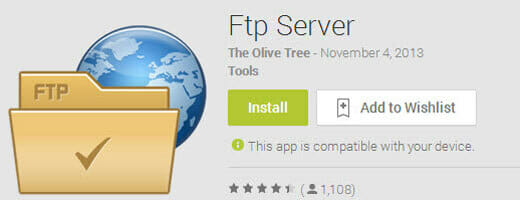
To transfer your files using Wi-Fi you need to make your mobile phone act as an FTP server. You can install an FTP server for Android for free. Here is the app I have used over the years: Android FTP Server.
After you install that app on your mobile phone, you may need to configure the FTP port, username, and password. After that you just need to connect to your wireless access point and turn on the FTP server. Now you are ready to connect to it from your desktop using FileZilla client. You can download it here.