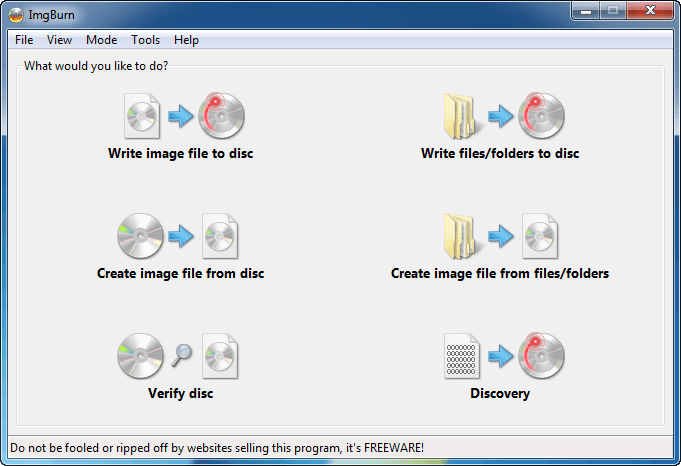
CDs and DVDs can easily scratch, break, and get lost. They can easily be damaged if you don’t keep them safe and scratch-free. And sometimes if you have hundreds or thousands of DVDs, it takes time to find them, and storing them takes a lot of space. So the solution is to back up all my CDs and DVDs as ISO image files and store them on my hard drive. They’re easy to find, track, and faster to play. Saves a lot of your time. But you do have to buy a big hard drive — I suggest an external hard drive.
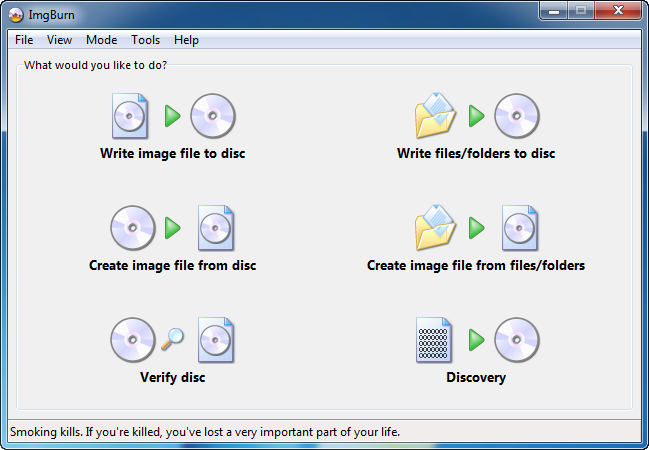
In Windows you can use ImgBurn to create an ISO image from DVD/CD, burn an ISO image to DVD/CD, create an ISO image from a folder, burn a folder to DVD/CD, verify, and also recover your disc data. ImgBurn is free and lightweight. It’s a very flexible application with several advanced features that are often lacking in other tools, especially when it comes to burning DVD video discs. It supports all the latest drives without the need for updates (including booktype / bitsetting / advanced settings on many of the major ones — i.e. BenQ, LiteOn, LG, NEC, Plextor, Samsung, Sony).
PS: As stated on the ImgBurn site, ImgBurn can run on Linux x86. I haven’t tried it myself but I prefer using mkiso from the command line.