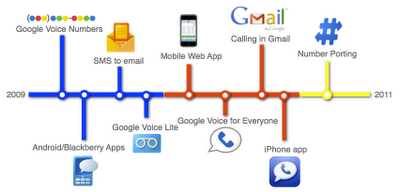
Since Google Voice launched about 2 years ago, I had a chance to try Google Voice today to call some friends in Indonesia for testing. Usually I’m using Skype as it works great for voice and video calls. I tried Google Voice from Gmail, as I open it every day to do my everyday communications.
As a result, Google Voice works pretty well. I had a delay of about 2 seconds, but my sound could be heard clearly by my friends and I can hear them clearly as well. Even though Indonesia has many providers, Google Voice only works with 2 of them, Telkomsel and Indosat.
The call rate is a little bit cheaper than Skype. To call to an Indonesian mobile I had to pay 14.6 cents and with Google Voice I paid 11.0 cents, all prices are per minute. Find more Google Voice rates here.
How to make a call with Google Voice in Gmail:
1. Login to your Gmail account.
2. You will find Call Phone in your chat sidebar:
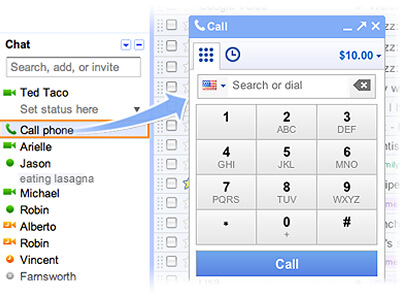
3. If this is your first time you may need to install Google Voice and chat application, download it at Google Voice.
4. Now you can dial any phone number that Google Voice carrier supports.
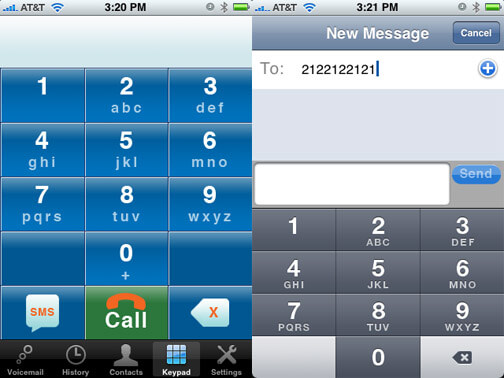
And as I’m writing this article, I also successfully sent a text message to my girlfriend’s mobile. You can text your friend with Gmail freely, with a quota of 50 messages per 24 hours. I want to test it more and update you on the result.