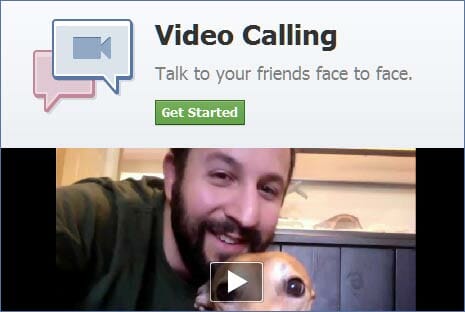
Not long after Google+ had its limited release to the public and it was booming on the net, everybody was talking about the Hangout feature which is a group video call chat and sharing. And now Facebook released their own video call and group chat in response to Google+ Hangout. Facebook uses Skype technology here, as Skype now integrates really well with Facebook chat.
Facebook video call setup
To get started you need to follow these steps:
- Go to this Facebook application page to start enabling it.
- Press Get Started and pick a friend from your chat list.
- Now your chat box has a video call icon.
- For the first time you need to download a plugin and install it.
- Start a video call with your friend.


I still haven’t tried this since all my friends are using BlackBerry. So I think I should wait until tomorrow to test it with some friends to get to know the quality of the call and group chat. So far I’m still quite happy with Google+ Hangouts. So what do you think?