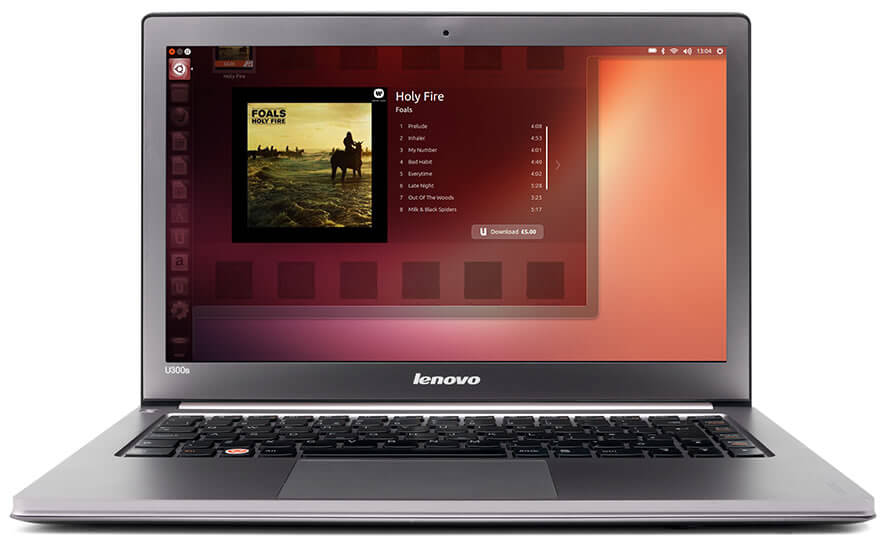
The default media player on Ubuntu is Gnome player. It is okay but not complete enough for me. The best media player on Ubuntu for me is VLC media player. VLC is a free and open source cross-platform multimedia player and framework, that plays most multimedia files as well as DVD, Audio CD, VCD, and various streaming protocols and it is simple to use, yet very powerful and extendable.
VLC media player installation steps
1. Open your terminal and log in as root
2. Run this command:
apt-get update
apt-get install vlc vlc-plugin-pulse mozilla-plugin-vlc
VLC is developed by VideoLan project. It has lot of features, you can see the features of VLC here and see the resume list from wikipedia. But the most popular feature from VLC is its ability to play the video content of incomplete, unfinished, or damaged video downloads before the files have been fully downloaded. For example the files is still in downloading process.