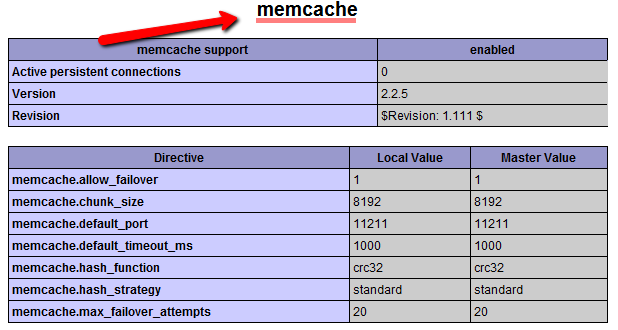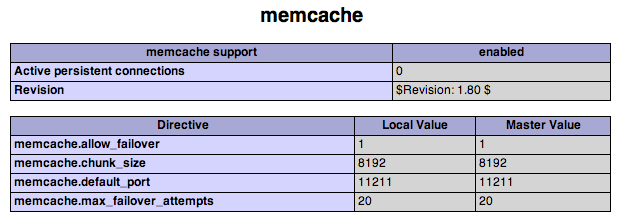
Memcached is a free & open source, high-performance, distributed memory object caching system, intended for use in speeding up dynamic web applications by alleviating database load. A WordPress blog with the W3 Total Cache plugin supports Memcached to cache database queries and page cache. This will make a high-traffic blog use less memory and CPU. Besides using it with WordPress you can use it in your web application as well; read the Memcached API for more details.
How to install Memcached on CentOS 5
Install requirements
1. Open your SSH with root credentials.
2. Install libevent libevent-devel
yum install libevent libevent-develDownload and install Memcached
1. Download Memcache from http://memcached.googlecode.com/files/memcached-1.4.5.tar.gz or the latest version if available.
wget http://memcached.googlecode.com/files/memcached-1.4.5.tar.gz
tar -xzf  memcached-1.4.5.tar.gz
cd memcached-1.4.5/
2. Configure and install:
./configure --prefix=/opt/memcached
make
make install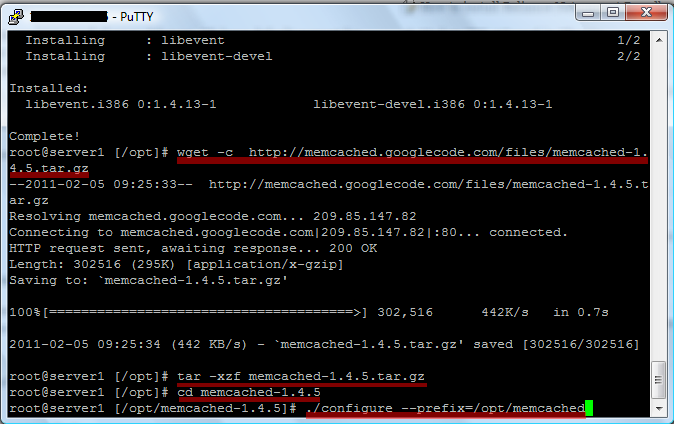
Create init script
1. Get the script from: https://www.ivankristianto.com/downloads/memcached.txt
wget https://www.ivankristianto.com/downloads/memcached.txt
mv -f memcached.txt /etc/init.d/memcached
chmod 750 /etc/init.d/memcached
2. Start Memcached:
/etc/init.d/memcached start3. Put it in rc.local so it will start during the boot process:
vim /etc/rc.local
#Add this line:
/etc/init.d/memcached start
Install Memcache PHP extension
1. Get the Memcache module from http://pecl.php.net/package/memcache
wget -c http://pecl.php.net/get/memcache-2.2.5.tgz
tar -xzf  memcache-2.2.5.tgz
cd memcache-2.2.5/
2. Prepare, compile, and install PHP extensions:
>phpize
./configure
make
make install
3. Now add memcache.so to php.ini:
vim /usr/local/lib/php.ini
#add this line
extension="memcache.so"
4. Restart Apache
/etc/init.d/httpd restart5. See if it is installed properly from the phpinfo() page: