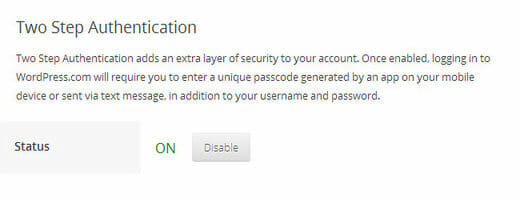
WordPress.com accounts come with 2-step verification using Google Authenticator. I had to enable this security because it is required when joining the WordPress Jetpack Beta Tester team. So when I enabled it, suddenly the stats information inside the WordPress Android app stopped working — it always said incorrect login or password.
To enable this 2-step verification security you can follow the instructions from this post. You may need to install the Google Authenticator Android app, which you can download here.
So back to the issue — I could no longer see the stats on my mobile because the 2-step verification was blocking the app. After asking on the support forum (thanks to Dan for the answer), I finally got it working. If you enable 2-step verification for your WordPress.com account, you need to generate a special app password. In this case I’m using the WordPress stats for Android.
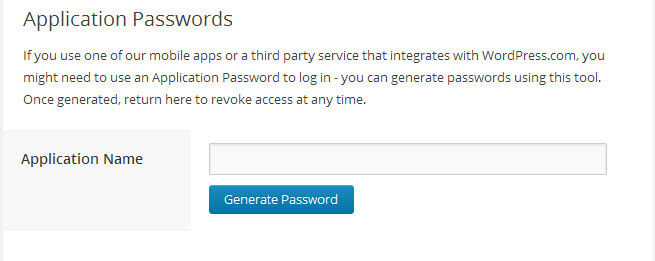
You can generate the application password from Account > Settings > Security, or just press this link. Generate the application password, copy and paste it into your WordPress Android app as the password. And voila! It is connected and working! Now I can see my live stats from my mobile. This is awesome!