Since I moved to Ubuntu recently, I need to set up my entire development environment. My stack uses Nginx with Apache + PHP as the webserver and MySQL as the database. Since I don’t like to use
/var/wwwas the home directory for Apache, I moved it to my /home/ivan/public_html folder. And to make it easier, I need PHP to run as my user role. For that I installed the suPHP module on Apache, and then chmod 755 all the PHP files.
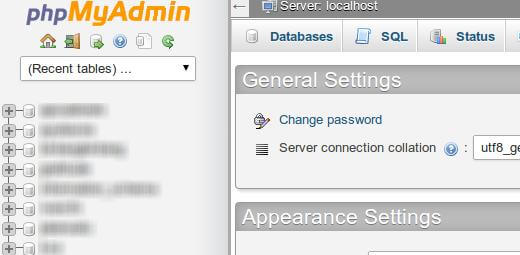
Everything was working correctly, except PHPMyAdmin, since it is installed in
/usr/share/phpmyadminwith all files and folders under root permissions. So when Apache tries to run it, it cannot execute the PHP. To fix it I just edited the file
/etc/apache2/mods-available/php5.confand added these lines below:
<Directory /usr/share>
    <IfModule mod_php5.c>
        <FilesMatch ".ph(p3?|tml)$">
            SetHandler application/x-httpd-php
        </FilesMatch>

        <FilesMatch ".phps$">
            SetHandler application/x-httpd-php-source
        </FilesMatch>

        # To re-enable php in user directories comment the following lines
        # (from <IfModule ...> to </IfModule>.) Do NOT set it to On as it
        # prevents .htaccess files from disabling it.
        <IfModule mod_userdir.c>
            <Directory /home/*/public_html>
                php_admin_value engine Off
            </Directory>
        </IfModule>
    </IfModule>
</Directory>
By adding those lines, the suPHP mod will not run if the root directory is /usr/share/.
After that don’t forget to restart your Apache:
sudo service apache2 restartAnd now PHPMyAdmin will work perfectly!