Cross browser compatibility is a must if you are working as a web designer; you need to test all your designs in different web browsers. The top web browsers today are Mozilla Firefox, Google Chrome, Safari, Opera and Internet Explorer. And not all browsers have the same render result for your design code. You have to test and tweak your HTML and CSS code.
Cross-browser refers to the ability for a website, web application, HTML construct or client-side script to support all the web browsers. The term cross-browser is often confused with multi-browser. Multi-browser is a new paradigm in web development that allows a website or web application to provide more functionality over several web browsers, while ensuring that the website or web application is accessible to the largest possible audience without any loss in performance. Cross-browser is a support that allows a website or web application to properly render in all browsers. The term cross-browser has existed since web development began.
Maybe you can say, all I have to do is install all the web browsers and open your design in each of them to see the result. I say yes you can, but how about testing with older versions of those browsers? For example Internet Explorer — the current version is 8, how do you test with Internet Explorer 7 or 6?
Cross Browser Compatibility Tester Online
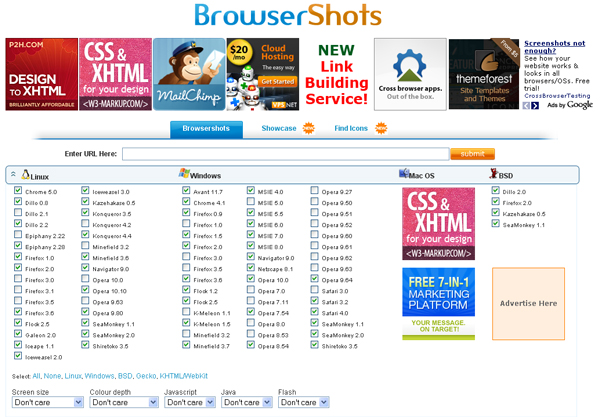
1. Browsershots
Browsershots is a free and most popular cross browser compatibility test utility for web designers. Browsershots makes screenshots of your web design in different browsers. Browsershots includes almost all popular browsers in its database and you can easily check how your website looks across all browsers and OS platforms.
2. Browser Sandbox
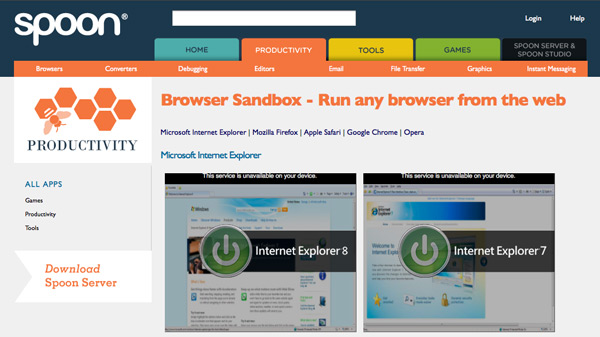
Created by Spoon.net, this page allows you to run cross browser compatibility checks including IE, Firefox, Safari, Chrome and Opera right from your browser.
3. Netrenderer
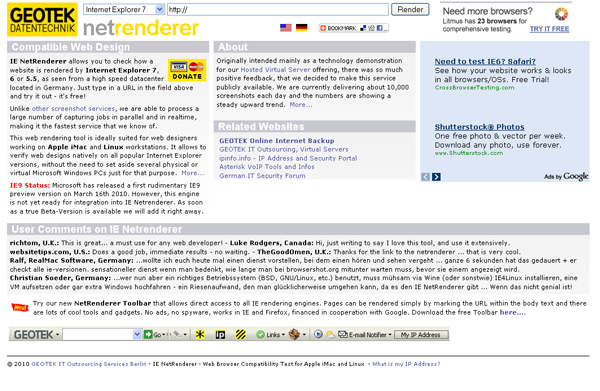
IE NetRenderer is a free cross browser compatibility tester. With IE NetRenderer you can check how a website is rendered by different versions of Internet Explorer. After beta testing, IE NetRenderer will soon integrate the newest version — IE9 — and you will be able to see if your website shows errors in this browser.
4. Browsrcamp
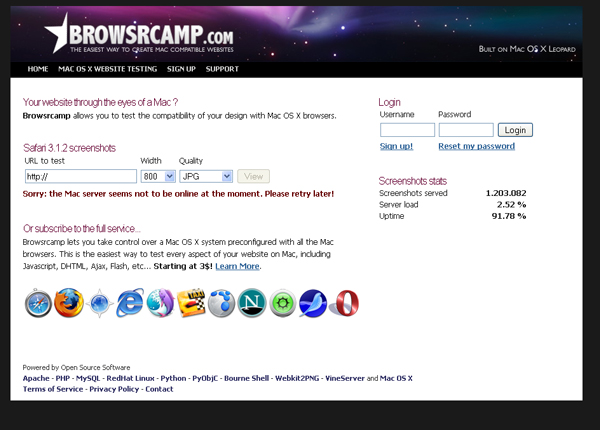
Browsrcamp allows you to test the cross browser compatibility of your design with Mac OS X browsers. If you don’t want to spend money you can check compatibility with Safari 3.1.2 for free. Simply add your website URL and you will get a screenshot. But if you want to check compatibility with other Mac browsers, you can subscribe for $3.
5. Adobe Browserlab
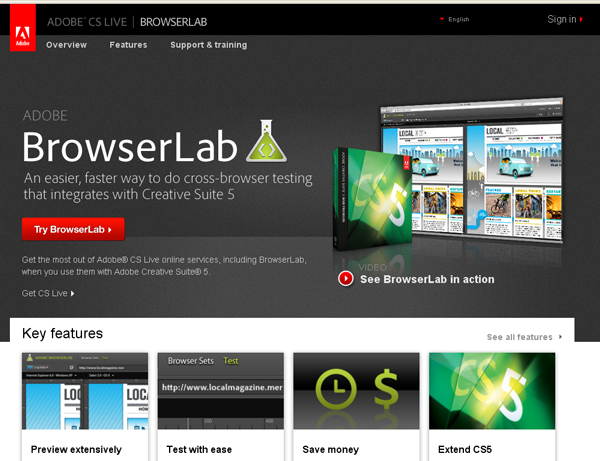
Adobe Browserlab is a web hosted service which allows designers to test designs on multiple browsers and operating systems. The system includes a zoom function and measurement tools like rulers and guides, and the ability to move quickly to specific areas of a screenshot. Browser sets allow designers to customize, edit, and save a combination of browsers to test.
6. Litmusapp
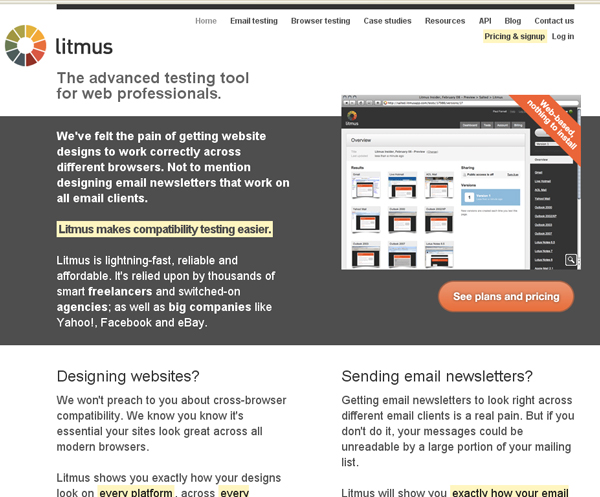
Litmus shows you screenshots of your websites as they look across all major web browsers. After you finish testing, you can get a full compatibility report ready for review by your clients. Litmus has 4 price plans. You can register for free and use only Explorer 7 and Firefox 2 browser testing, or you can choose a paid plan.
7. Browsera
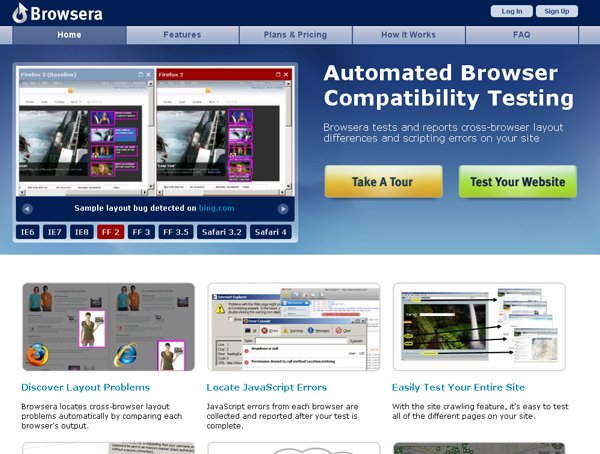
Browsera is meant to be used as a testing tool, not just a screenshot tool, and works at the site level instead of the page level. Browsera crawls the pages on your site and actually tests them for layout inconsistencies and scripting errors.
8. IE Tab
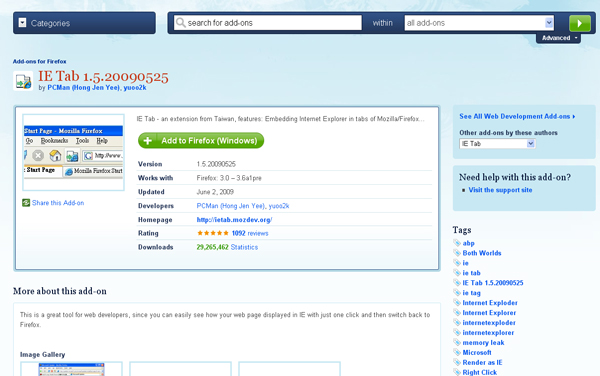
IE Tab is a Firefox addon that enables you to load webpages in Internet Explorer, without having to open another browser window. Just click a button on the Firefox toolbar and it will open the current page in a new tab that uses the Internet Explorer engine instead of Firefox.
Cross Browser Compatibility Tester Offline
1. IETester
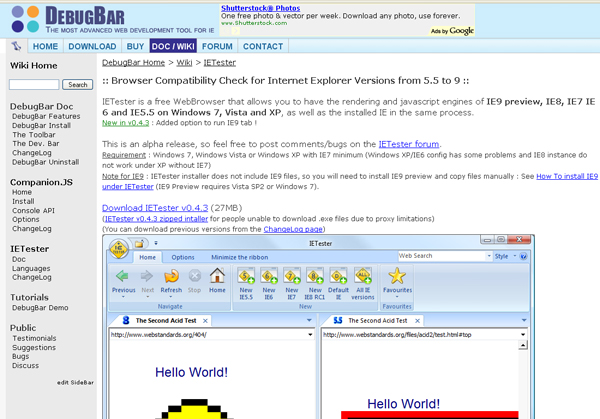
IETester is a free web browser that allows you to have the rendering and JavaScript engines of IE9 preview, IE8, IE7, IE6 and IE5.5 on Windows 7, Vista and XP. It’s useful for web developers to test that their sites work properly in all the most common Internet Explorer versions.
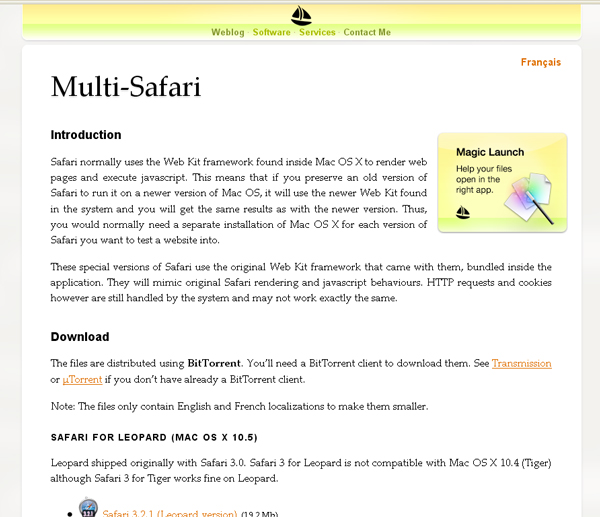
2. Multi-Safari
Multi-Safari is a free cross browser compatibility testing tool that allows you to check the rendering of your website using different versions of Safari. Multi-Safari does not allow screen resolution testing.