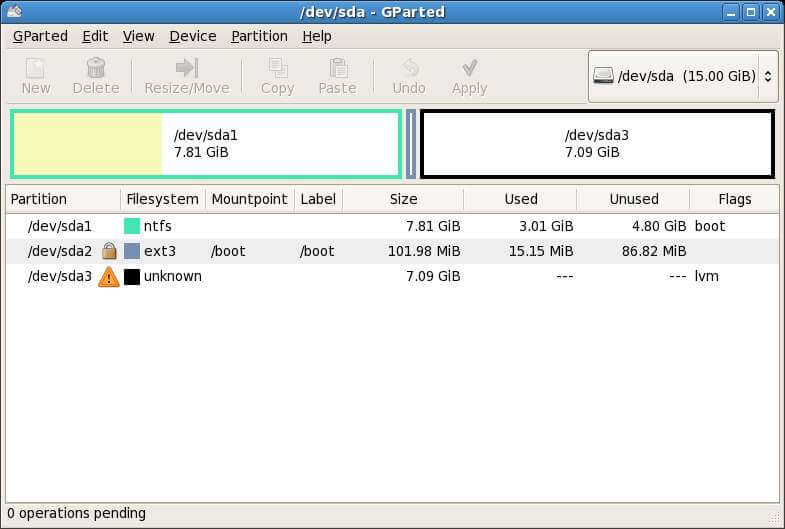
GParted is a GNOME partition editor for creating, reorganizing and deleting disk partitions. GParted is free and open source software under the GNU General Public License. GParted also releases a live CD, so you can boot it from media like CD or USB, and you can manage partitions which have another operating system on them such as Windows. GParted is easy to use and it is safe even for beginners like me — I didn’t have a hard time when first using it.
Here are the GParted features:
- Create a partition table on a disk device
- Enable and disable partition flags such as boot and hidden
- Perform actions with partitions: create, delete, resize, move, check and label.
How to install it on Ubuntu? Follow these steps:
1. Open your terminal
2. Type this command:
sudo apt-get install gparted3. To run it type this command:
sudo gparted