
Favicon is short for favorite icon; it is a 16×16 pixel square icon associated with a particular website or web page. In most cases a favicon is a website logo or an identity of the website or company. But if you have recently changed your favicon, and your browser doesn’t reflect the change you made, it will still show the old favicon. That’s because the web browser caches the favicon, and it won’t clear even when you clear cookies and cache.
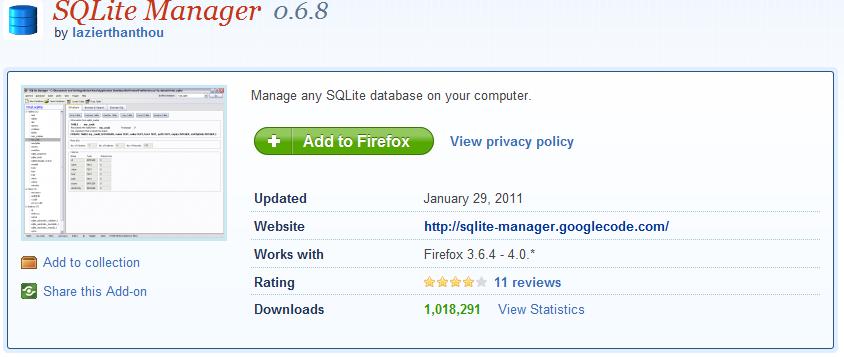
To clear favicon cache in Mozilla Firefox requires a little hack with the Firefox database. To do it you need to download and install SQLite Manager. Restart Firefox after it finishes installing.
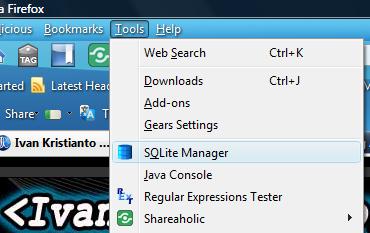
Open SQLite Manager from Menu > Tools > SQLite Manager
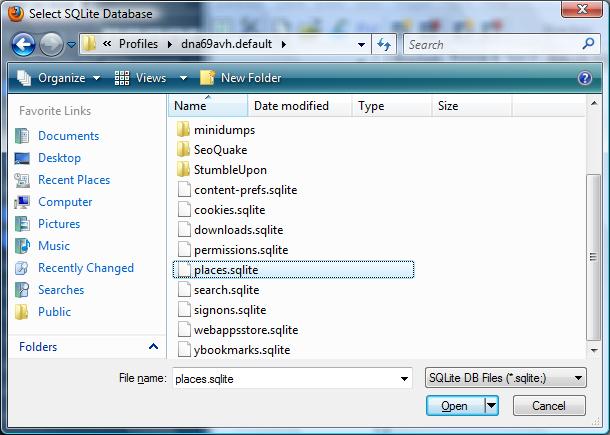
Connect to Firefox SQLite database from Menu > Database > Connect Database. An open file window will pop up. Go to this folder:
%APPDATA%MozillaFirefoxProfilesYou will see a folder with a strange name like blablabla.default. Then open places.sqlite.
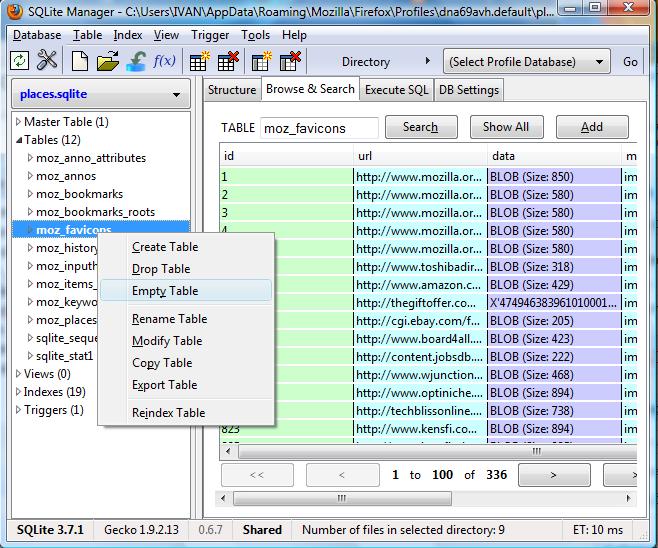
Then empty the moz_favicons table.
Close SQLite Manager and restart Firefox. All favicons have been cleared. Visit your website; it should be showing the new favicon.