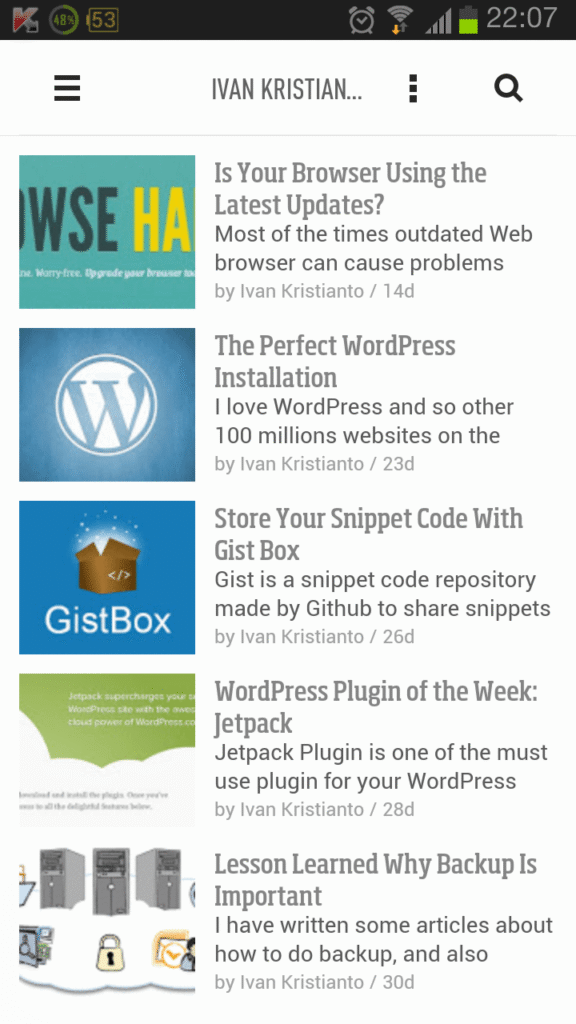
By default WordPress doesn’t show your post image in the RSS feed. I just found this out a couple of weeks ago when I tried to use the Feedly app from my mobile to subscribe to this blog, and I realized that my post feature image wasn’t showing up. In fact, showing the post featured image in the RSS feed is really easy (if you are a web developer).
All you need to do is add this snippet code to your theme’s functions.php:
function add_featured_image_to_feed($content) {
    global $post;
    if ( has_post_thumbnail( $post->ID ) ){
        $content = '' . get_the_post_thumbnail( $post->ID ) . '' . $content;
    }
    return $content;
}

add_filter('the_excerpt_rss', 'add_featured_image_to_feed', 1000, 1);
add_filter('the_content_feed', 'add_featured_image_to_feed', 1000, 1);
If you have trouble adding it to your WordPress theme, please let me know in the comment box below. Thanks.