
From the last post I showed how to install Squid Cache as an intercept (transparent) proxy. So I expect your Squid is already running smoothly right now. Now I want to share how to see the Squid log. Usually by default the Squid log is in /var/log/squid/access.log, and you can see the log by opening the file.
But the next question is, how do you see your Squid log continuously if you want to monitor it? I believe there are tons of programs for this, but I prefer to see it in the shell because it’s really simple and uses fewer resources. How to do that?
How to use Continuous SquidLog
1. Download this file.
2. Open your shell and give chmod +x to that file.
3. Run that file.
4. You will see the Squid log continuously.
Here is the screen capture:
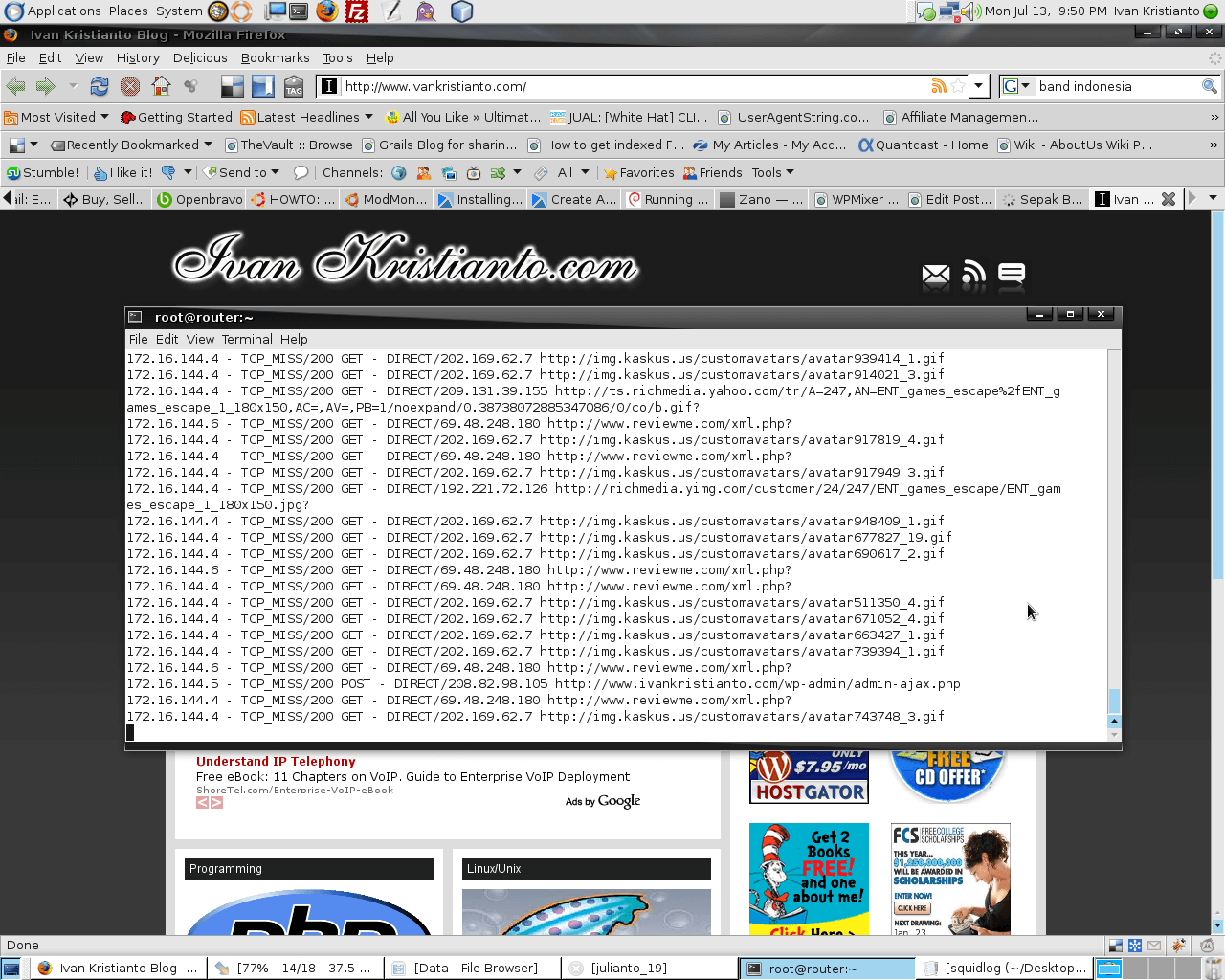
ps: Click the picture to enlarge.
pss: If your Squid log is not in /var/log/squid/access.log, you need to update the file.
If you like this post, please leave me a comment. Thanks and have a nice day.