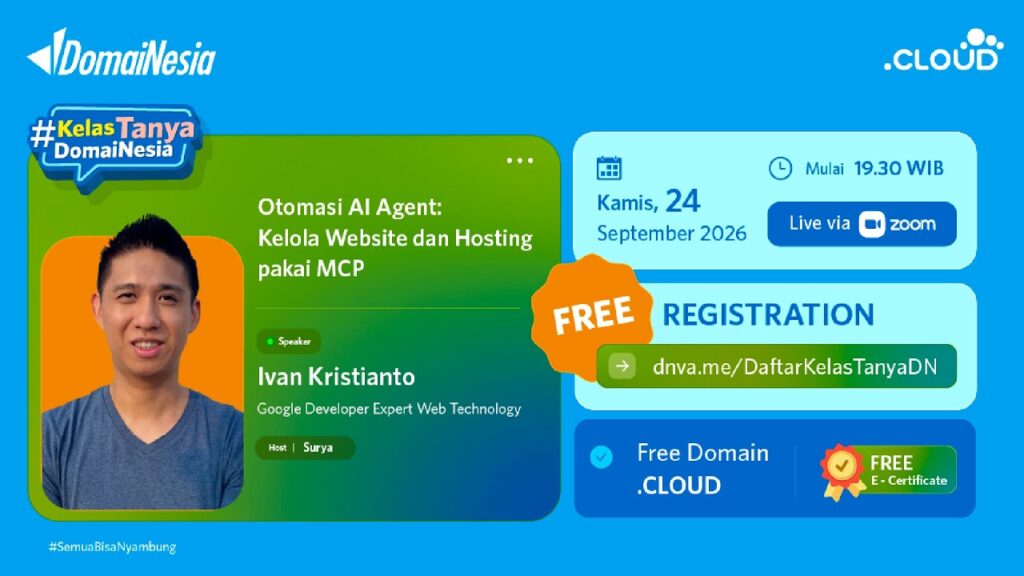
On September 24, 2026 I gave a webinar for Kelas Tanya DomaiNesia, run by the Indonesian host DomaiNesia: “Otomasi AI Agent: Kelola Website dan Hosting pakai MCP” (AI agent automation: managing your website and hosting with MCP). The audience was beginner developers and small business owners who run their own sites. The question for the evening: can an AI do the work on my website, instead of only telling me how?
It can, with one catch. Here’s the short English version.
Watch the recording on YouTube
Agents and MCP in two paragraphs
A chatbot tells you to check your error log. An agent reads the log and tells you there are 47 copies of the same error, caused by plugin X. The difference is tools: the agent picks one, runs it, reads the result, and decides the next step until it’s done.
MCP (Model Context Protocol) is the open standard that plugs those tools in. When the agent connects, the server lists what it can do, so nobody writes glue code. It also means a host builds one MCP server and it works with Claude, ChatGPT and the rest. DomaiNesia’s version is a card in the hosting panel with four access levels: Full, No destructive, Read-only and Containment. Any host that ships an MCP server works the same way.
The catch: your server can talk back
One demo site was a made-up motorbike workshop with injected gambling spam (judol, in Indonesian), including a fake thumb.php holding @eval(base64_decode(...)). Scanning for that is a good job for an agent. But to find the file, the agent has to read it, and an attacker wrote it.
Anything on your server can carry instructions: a comment, a log line, a file name, an upload. The agent reads it next to your prompt and can’t always tell the two apart. That’s prompt injection, and on a hacked site you should expect it. So keep investigating and repairing separate: scan on Read-only, read the report yourself, then raise the access level for one narrow change.
The checklist
- Start read-only. Most questions only need reading.
- Back up before anything changes. An agent that gets it wrong gets it wrong fast.
- Name the target. This domain, this folder, this file.
- Read the plan before approving, and check the logs afterwards.
“Please fix my website” is a bad prompt. This is better:
Read the error log for the domain toko-saya.com.
Summarise the last 10 errors and explain the cause.
Don't change any files.
A clear target, a narrow task, an explicit limit.
Slides and starter kit
The live demo used Claude Desktop against three seeded sites on a throwaway account. The slides are in Indonesian (arrow keys to move, d for dark mode).
- Slides
- Starter kit, with ready prompts for common problems
- Deck source and demo sites, if you want to run a similar workshop (keep the answer key off the server, or the agent will read it)