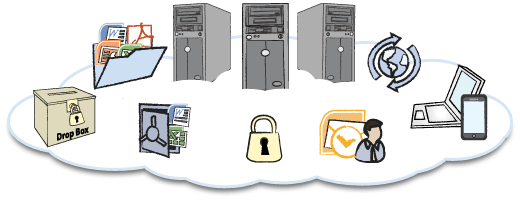
Wise man said “Backup early, backup regularly!”, you don’t know when disaster will come. Starting from being hacked, data lost, account being suspended by your host provider and many more. Your visitors and your data are the most crucial things. You need to keep your visitors and you have to keep your data safe. And you have to backup regularly.
There are many tools to backup your website and many online backup services starting from free (but limited) and paid service (like Amazon S3). I couldn’t afford to buy paid service like Amazon S3 to backup my files (this blog for example). And I don’t have decent bandwidth to download it to my computer. And it is too large to send to my email.
Then I came up with another solution. How about if I upload my backup to HotFile? For those who don’t know HotFile, HotFile is one of the largest file sharing services on the internet. It is free to make an account and upload your file, but you have to pay when you download it, though it also has a free download service with limited speed. Anyway, the premium account on HotFile is not as expensive as other backup services like Amazon S3. And the most important thing is, HotFile has a very very large data center. And it is safe there unless you publish your download link. So if you have downloaded your data, you can delete it from the HotFile control panel.
Here are the steps to back up your website files to HotFile:
1. Create a new account on HotFile.com
2. Download this script at the end of this post.
3. Configure the script (please see the inline comment), and name it for example backup-script.sh
4. Upload the script into your host. I suggest putting it under your home folder (not under public_html so it cannot be accessed by your visitors), say for example under directory /home/[your_username]/backup/
5. Open your cPanel and under Cron add this script. Here is the command example to add in the cron:
/bin/sh /home/[your_username]/backup/backup-script.shPS: this may be different for your host provider
6. Run it weekly or monthly with Cron. (Minimum once a day; unless it won’t upload, more than once a day is not recommended)
Then now you just manage your file under the HotFile dashboard. You can move it, delete it or download it. If you like this script or have any questions please leave a comment below.
PS: Please be cautious, since this script will backup all databases accessible from the MySQL account given, and will backup all the files under the folder you provide. If you have very large files and MySQL data, it will take a high CPU load. And please confirm about CPU load terms of service with your hosting provider. RUN THIS SCRIPT AT YOUR OWN RISK!